DiBuCard — Business & Personal Cards
Business and personal cards, EB, Daily motivation, Daily horoscope, your saved card collection, Things to do today, My car, My travel, My budget, Send by voice, Entertainment, Everyday tools and the optional BlueDotCart NFC card.
Watch a DiBuCard story — Alex & Maya → B2B — the shared catalog display exchange →
Read slide text
Your digital business card
Welcome to this presentation of DiBuCard, your digital business or personal card. Keep your introduction, contact details and useful links in one place. Share one link so people can discover what you do and what matters to you.
Create your DiBuCard account and start with the Free plan. Choose a paid plan whenever you need more cards or features.
Read the complete presentation — 19 slides
Slide 1 — Your digital business card
Welcome to this presentation of DiBuCard, your digital business or personal card. Keep your introduction, contact details and useful links in one place. Share one link so people can discover what you do and what matters to you.
Create your DiBuCard account and start with the Free plan. Choose a paid plan whenever you need more cards or features.
Slide 2 — A complete introduction in one link
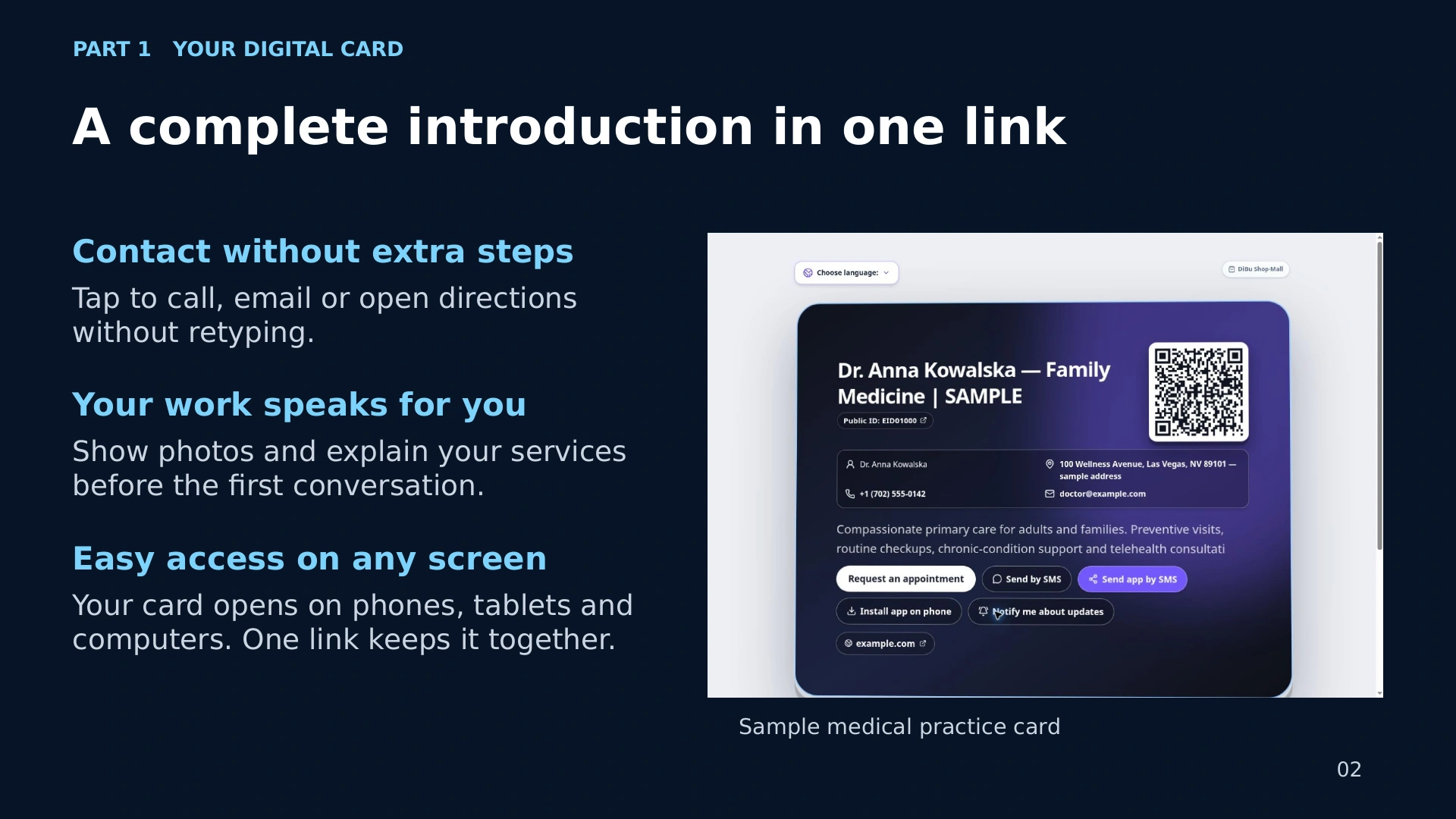
Your DiBuCard gives people a complete introduction without extra steps. They can tap to call you, send an email or open directions. Photos and descriptions help explain your offer before the first conversation.
Your card opens in a browser on phones, tablets and computers. Visitors do not need to download a separate DiBuCard app.
Slide 3 — A personal profile people can revisit
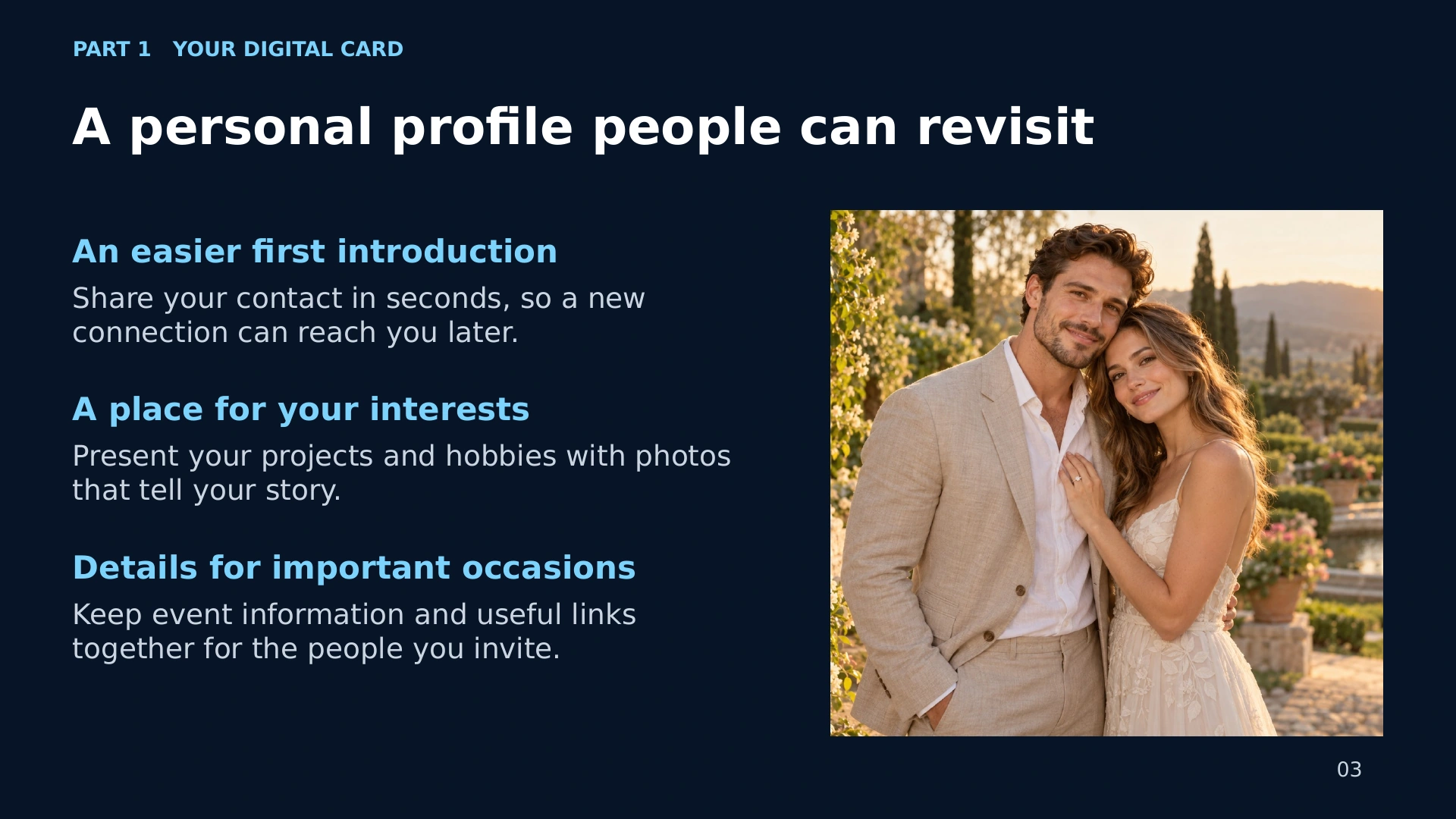
DiBuCard is also for your personal life. Share your hobbies, projects, interests or event information. Give new friends a simple way to find your contact details and revisit your story.
A personal card lets you express who you are, with the information you choose to publish.
Slide 4 — Your expertise, ready to share
Show your expertise with a clear description of your services and examples of your work. Help potential clients understand what you offer. Make it easier for existing clients to recommend you by forwarding your card.
Create an account and build a professional introduction you can update as your business grows. Media features depend on your plan.
Slide 5 — EB emergency and location card
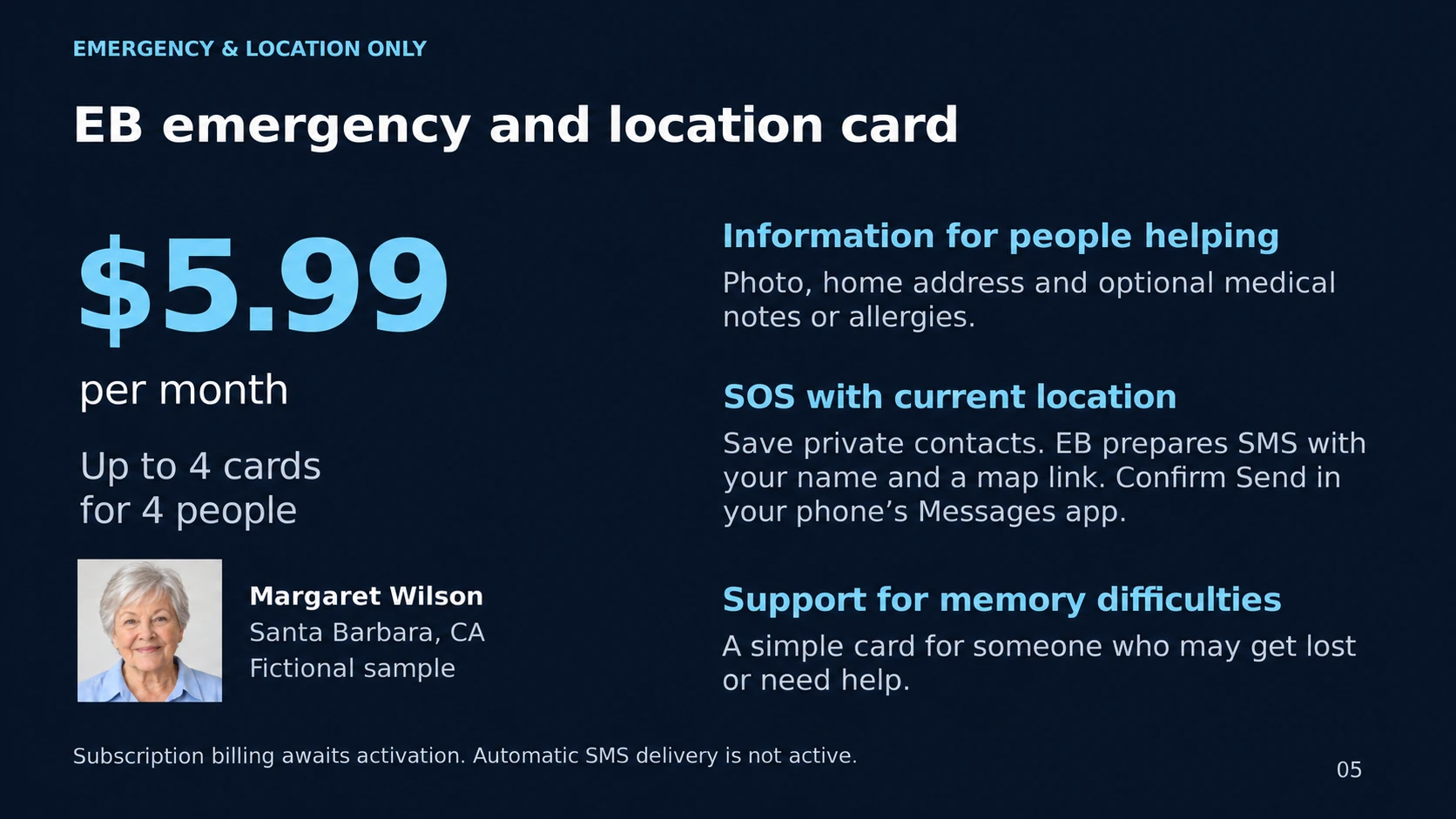
The EB emergency and location card offers another way to ask trusted people for help. Display a photo, name and the information you choose to make public, such as an address or an allergy note.
The dedicated EB plan is $5.99 per month for up to four cards. After signing in, the owner can prepare an SOS message with their location and confirm Send in the phone’s Messages app. Sending is not automatic.
Slide 6 — Who can benefit from an EB card?
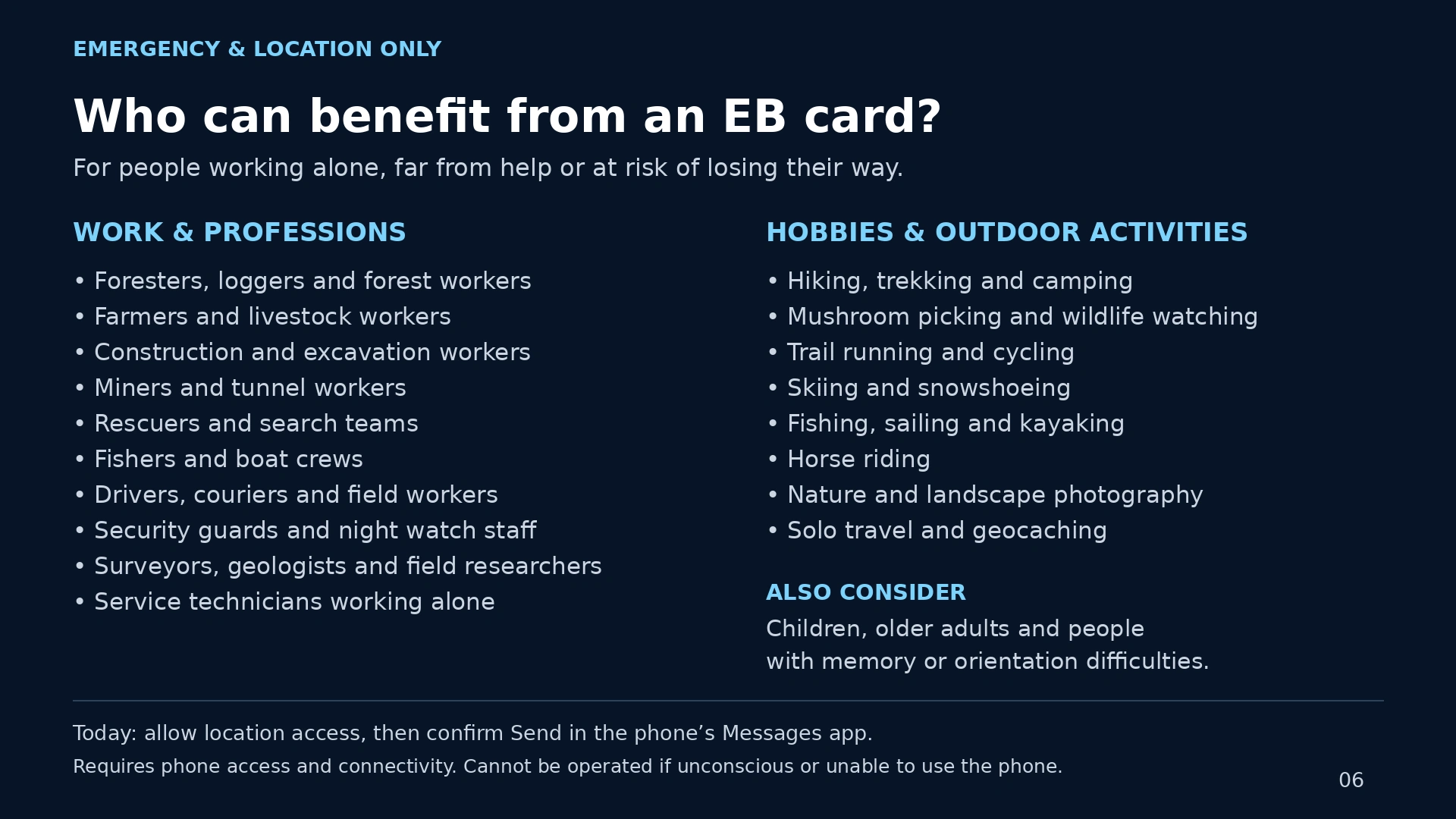
An EB card can be useful for older adults, people with memory or orientation difficulties, and people who work or explore alone. Think of a walk in the forest, a solo trip or a situation where someone cannot explain where they are.
The owner must be able to use the phone. Location sharing needs permission and a connection. EB is an additional contact tool and does not replace emergency services.
Slide 7 — Daily motivation
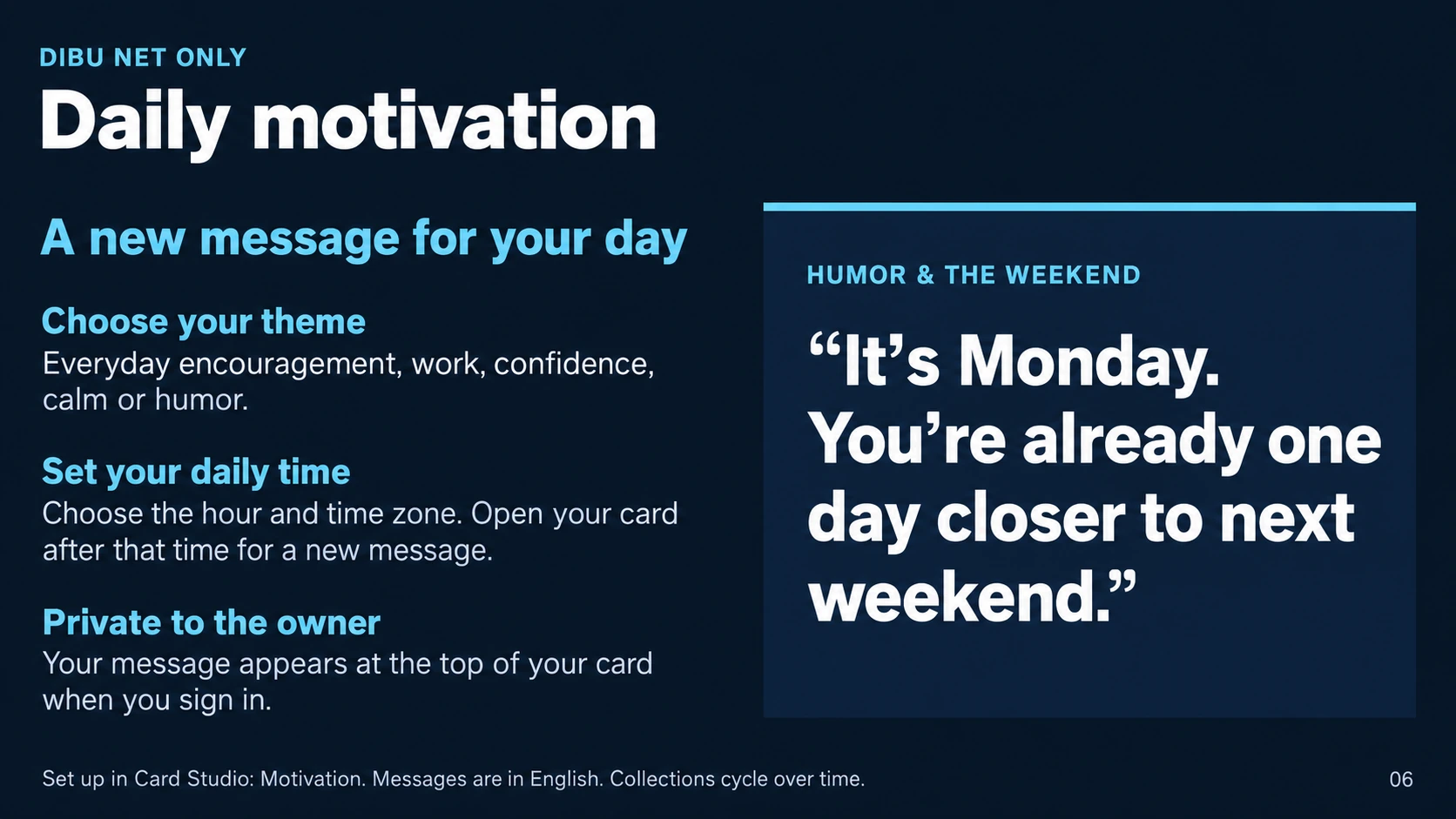
Start the day with a little encouragement. Daily motivation is a private feature in DiBu Net. Choose a theme, set your time and time zone, and open your card after that time to see the day’s message.
Enjoy encouragement for work, confidence, calm or simply a little humor. Visitors do not see your private motivation.
Slide 8 — Current details wherever your card travels
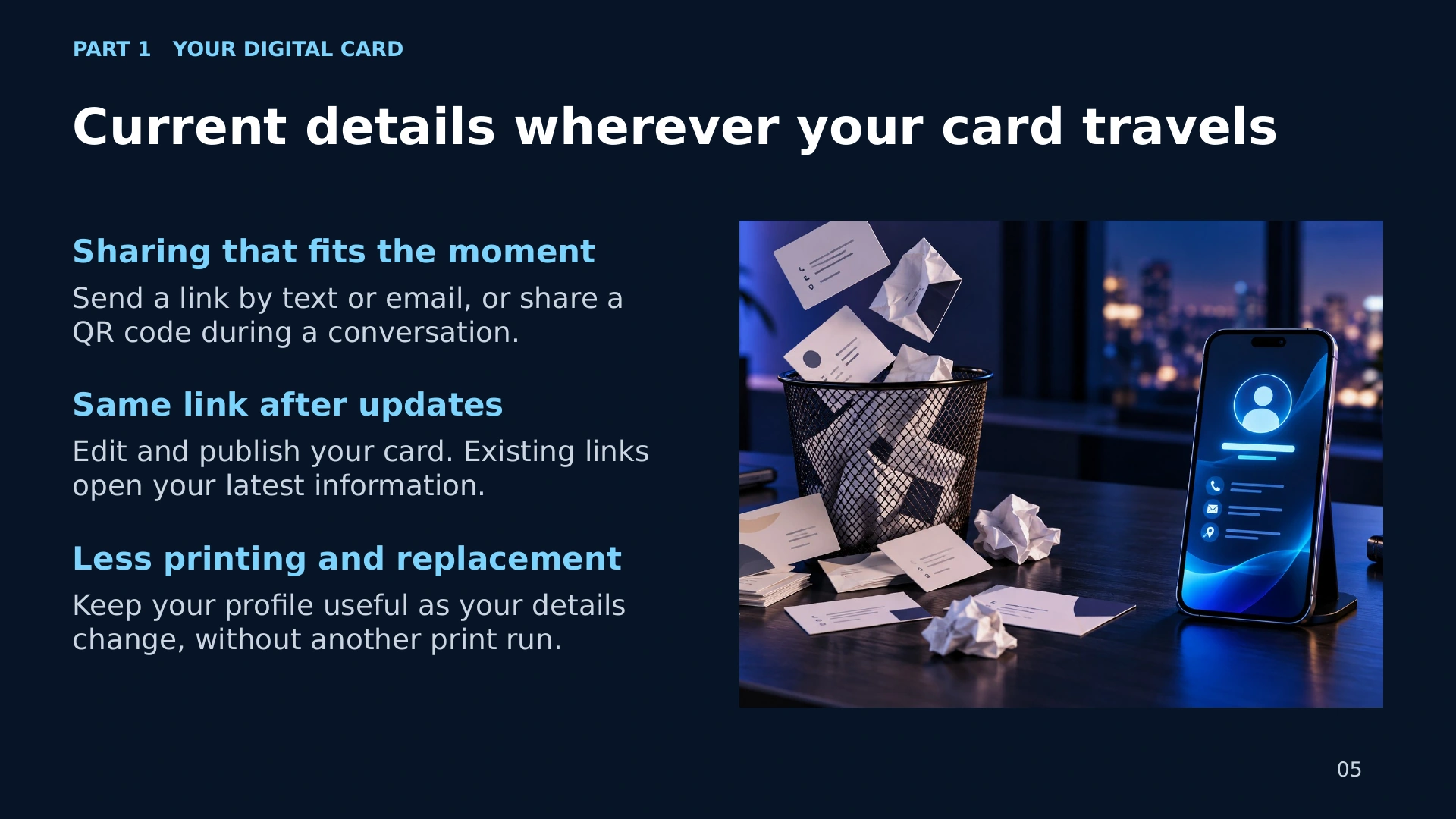
Share your DiBuCard by text, email, QR code or your phone’s sharing options. People can save a shortcut to open it again.
When your details change, edit and publish your card. The same link opens the latest published version. Keep your business or personal introduction current without another print run.
Slide 9 — DiBu Shop-Mall
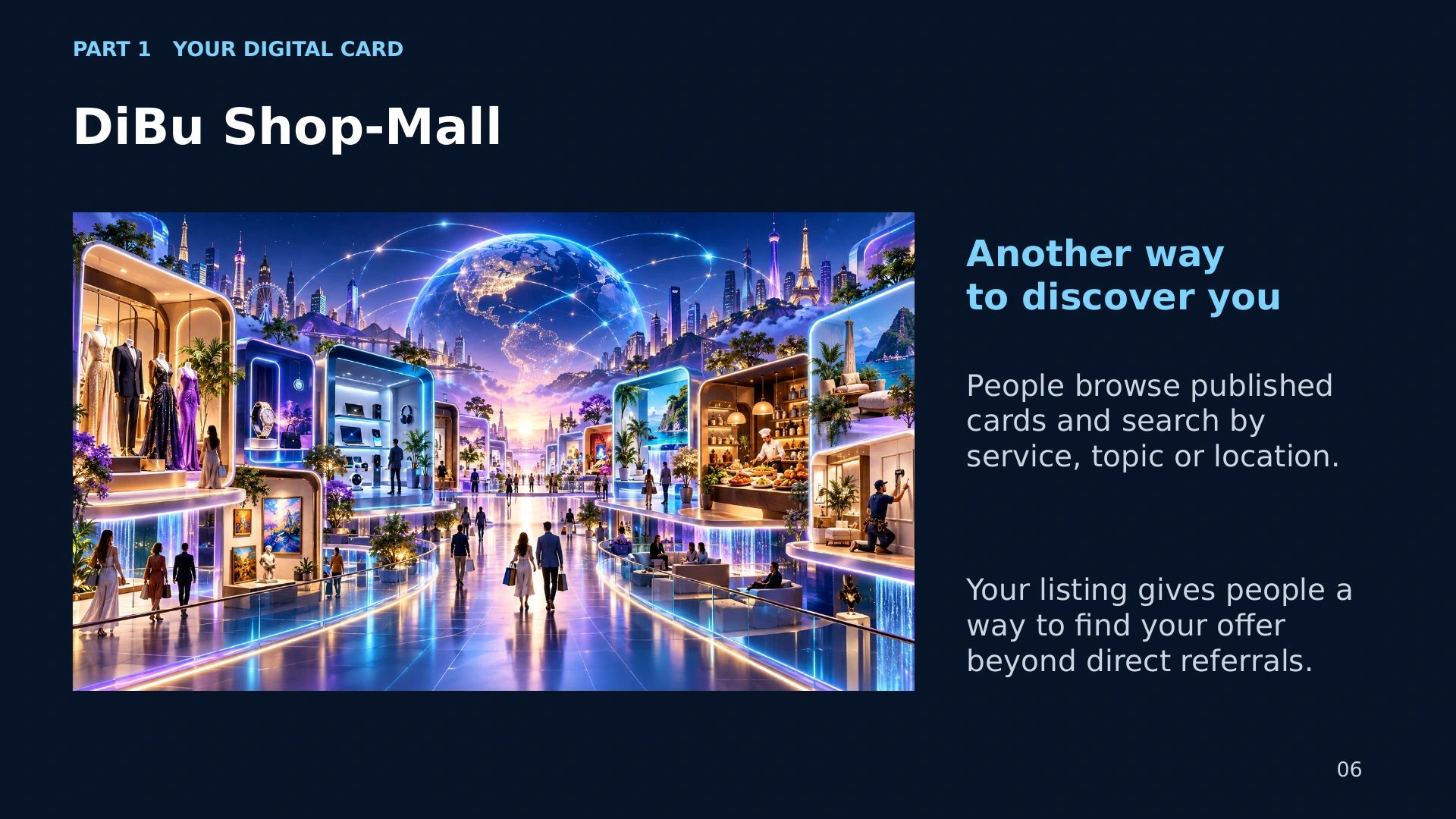
DiBu Shop-Mall gives your published card another place to be discovered. Visitors can browse cards and search for a business, topic or location. Language filters help them find cards they can read.
Create your account, publish your card and give people another way to find your work, interests or services.
Slide 10 — Daily horoscope — every plan, including Free
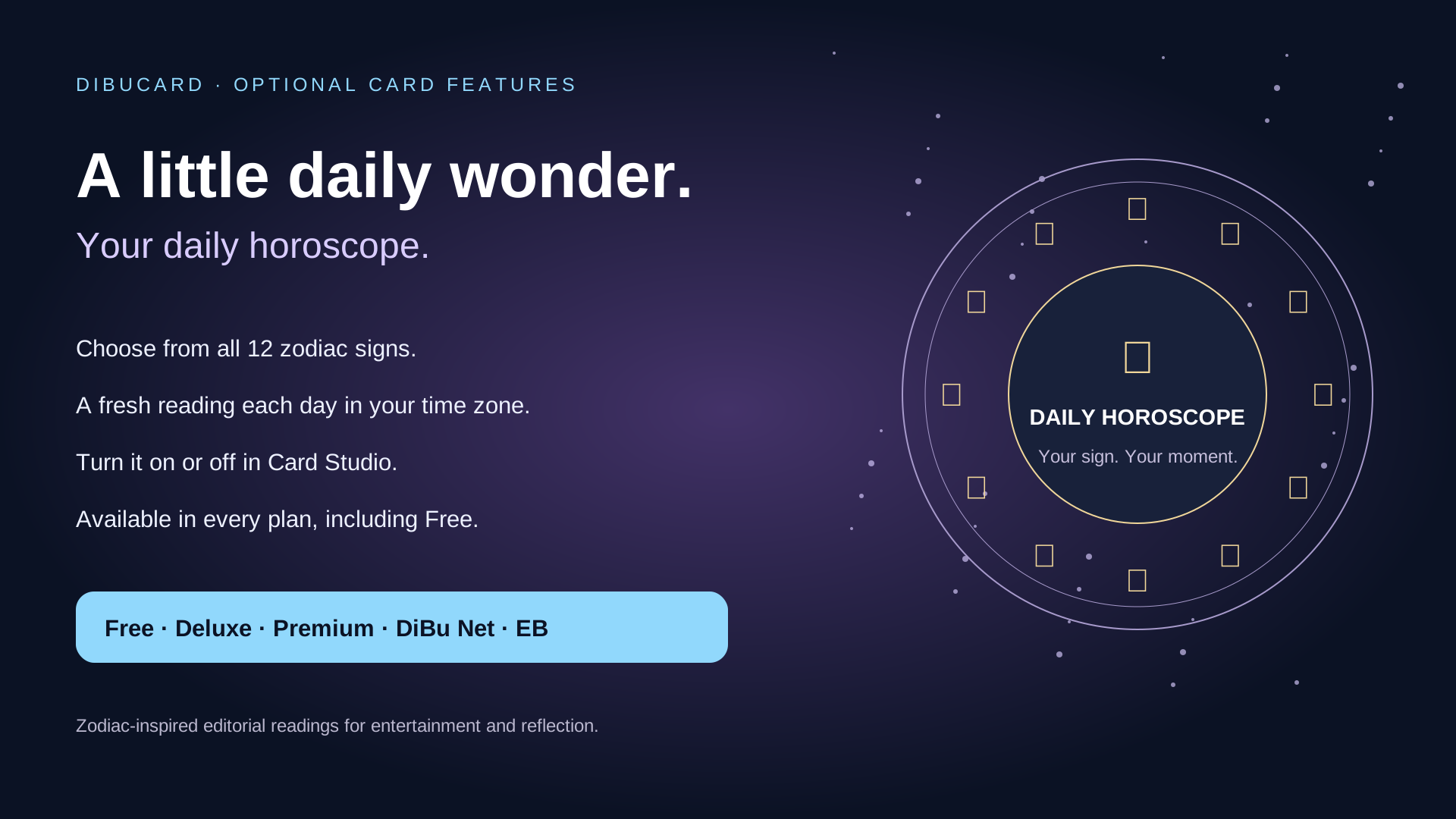
Add a small daily moment of entertainment with Daily horoscope. Choose a zodiac sign and time zone. When you enable it, the daily reading appears on your public card.
This optional feature is available in every plan, including Free. The readings are zodiac-inspired entertainment, and no date of birth is required.
Slide 11 — Saved DiBuCards — your card collection
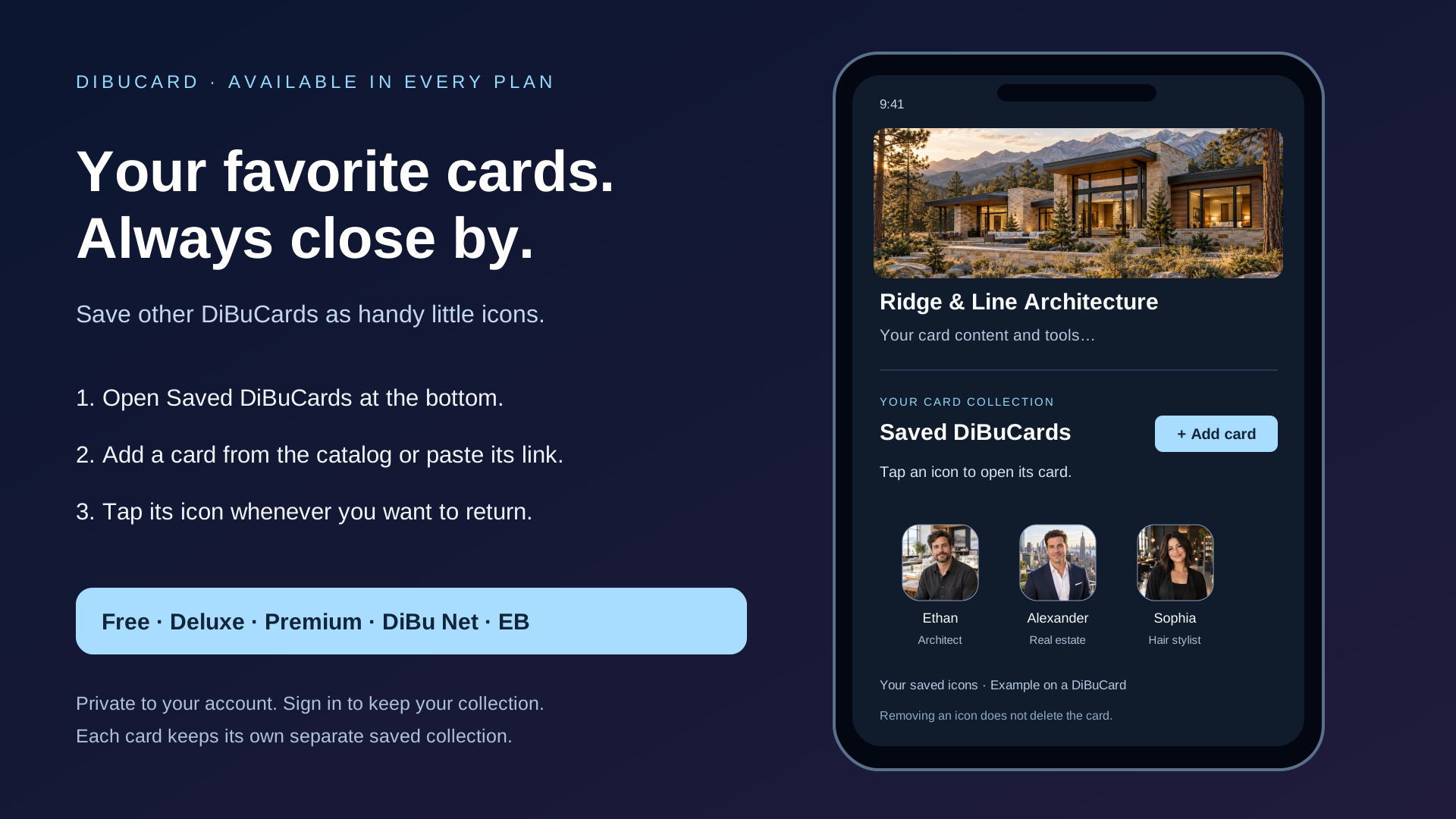
Keep useful DiBuCards close at hand. Sign in, open Saved DiBuCards at the bottom of your card, and add a published card from the catalog or its link. Tap an icon to open that card.
Your collection saves privately to your account, separately for each card. Opening another card does not move your collection there. This feature is included in every plan.
Slide 12 — Things to do today
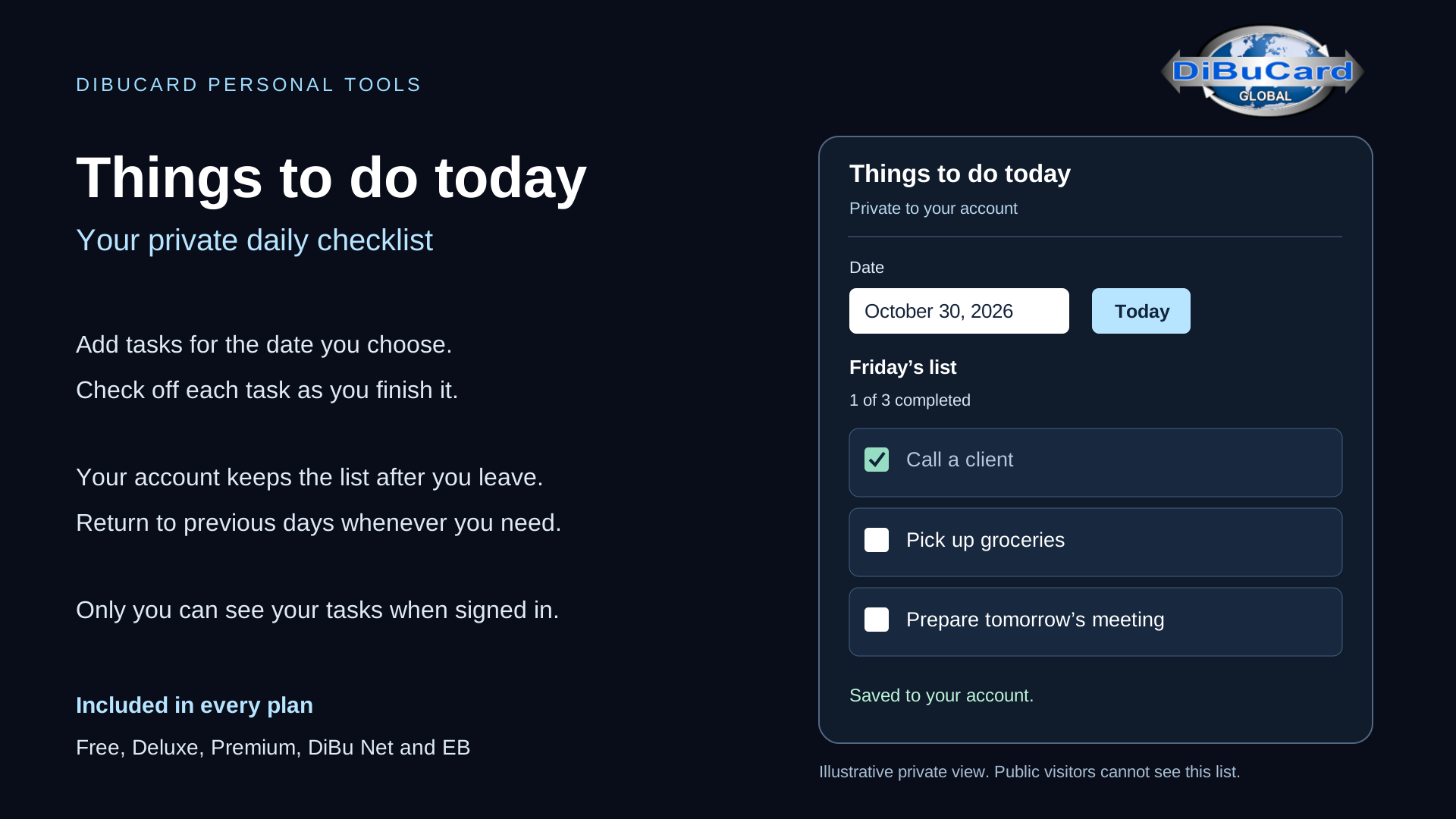
Turn your card into a simple daily organizer. Things to do today lets you create a private checklist for each date. Add tasks, mark them complete and revisit earlier lists.
Your lists save to your account and remain private after you sign in. Use them for client calls, errands or everyday plans. Available in every plan.
Slide 13 — My car
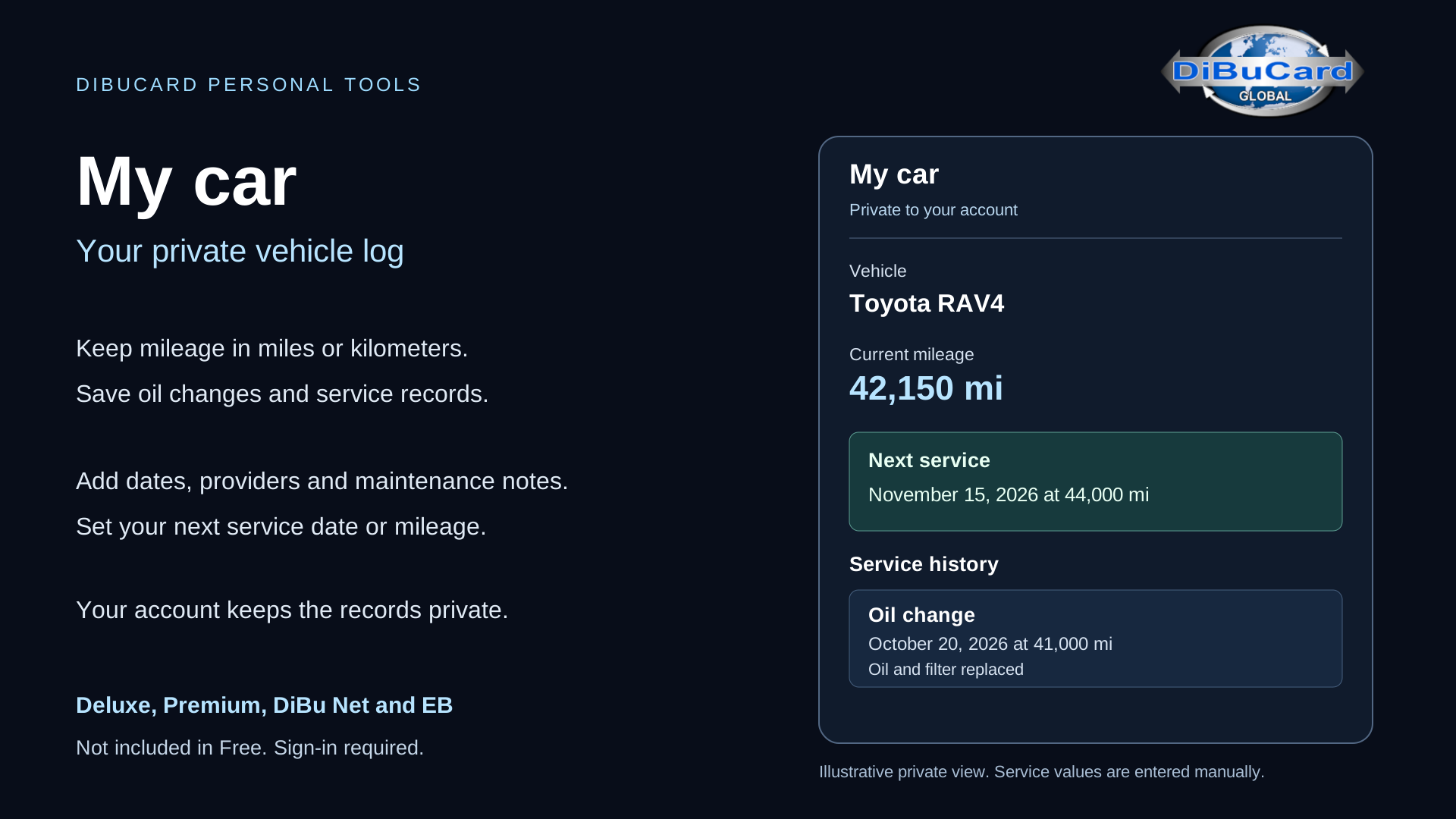
My car helps you keep vehicle information together. Record mileage, oil changes, servicing and repairs. Add a next service date or mileage target and check when your entered values are due.
This private log is available in Deluxe, Premium, DiBu Net and EB. It uses the information you enter; it does not send automatic service notifications.
Slide 14 — My travel
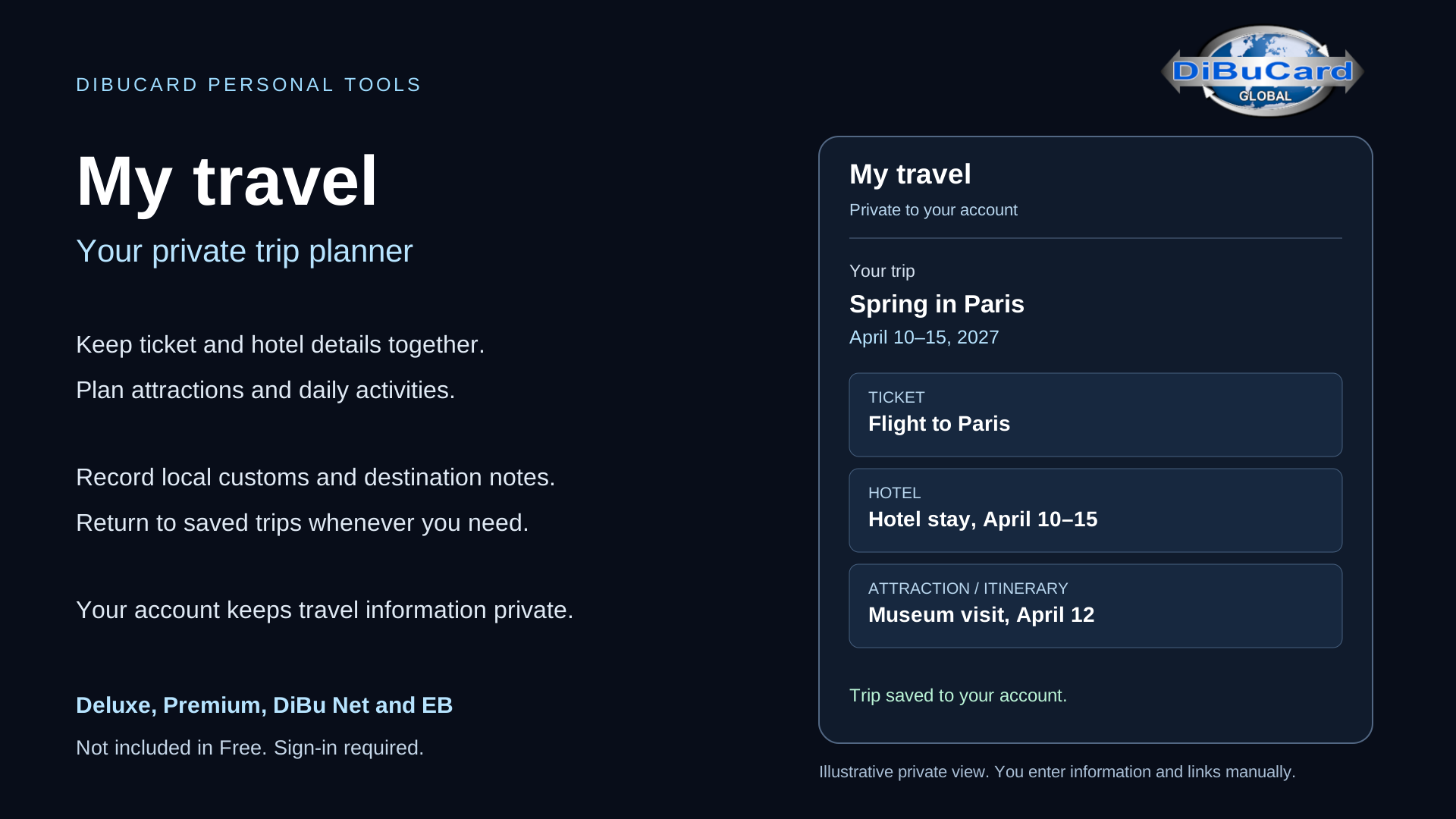
My travel keeps your trip details in one private place. Save flight or ticket information, hotel references, attractions, transport, itinerary notes and useful links. Add local customs or practical advice you want to remember.
Available in Deluxe, Premium, DiBu Net and EB. You enter the details yourself; the tool does not make bookings for you.
Slide 15 — My budget
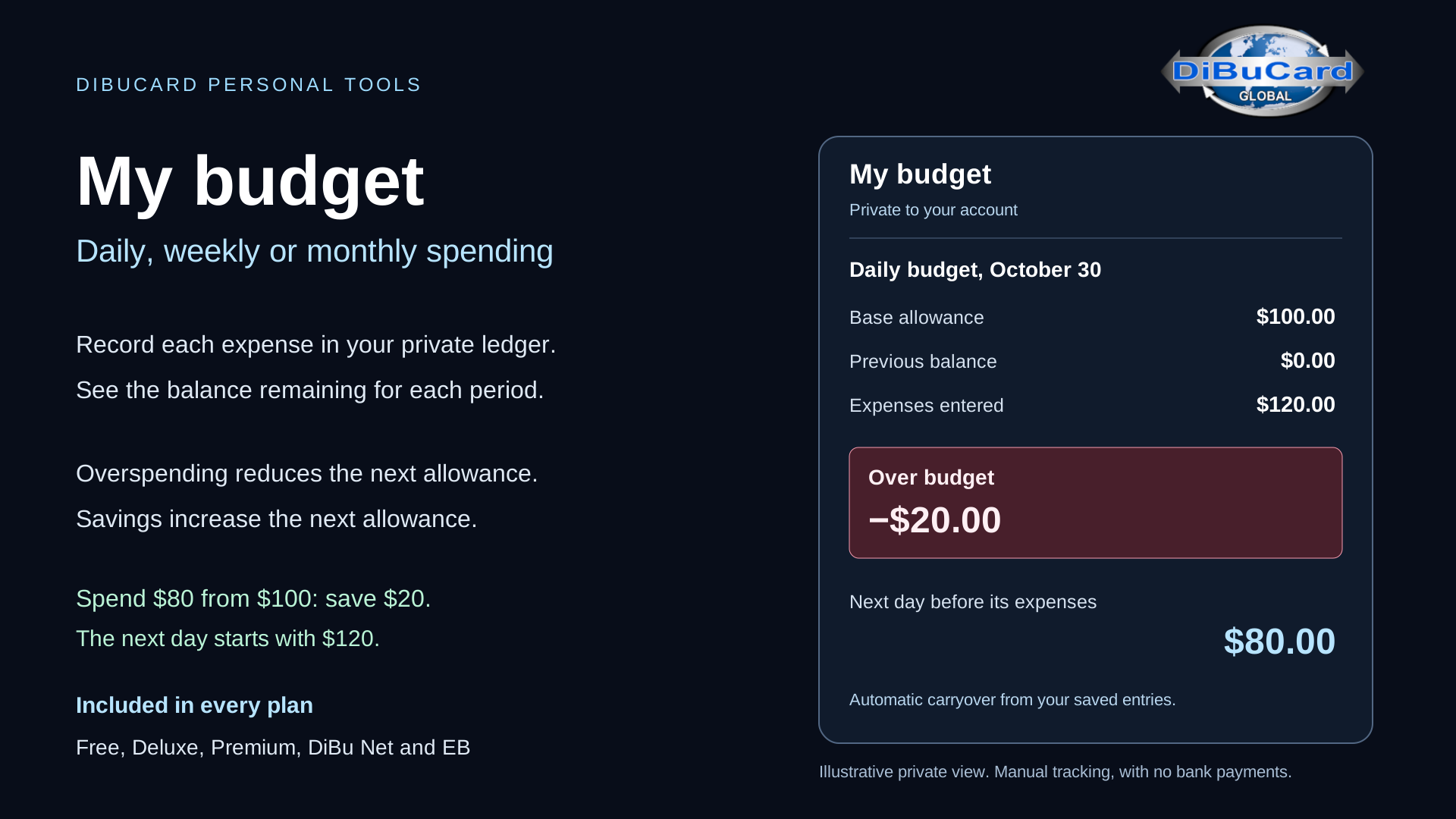
My budget helps you see where your money goes. Choose a daily, weekly or monthly allowance and record your expenses. The remaining balance updates as you enter them.
Spend $80 from a $100 daily allowance and carry $20 forward. Spend $120 and carry a $20 shortfall into the next day. Savings show in green and shortfalls in red. Your private tracker is included in every plan and makes no bank transactions.
Slide 16 — Send by voice
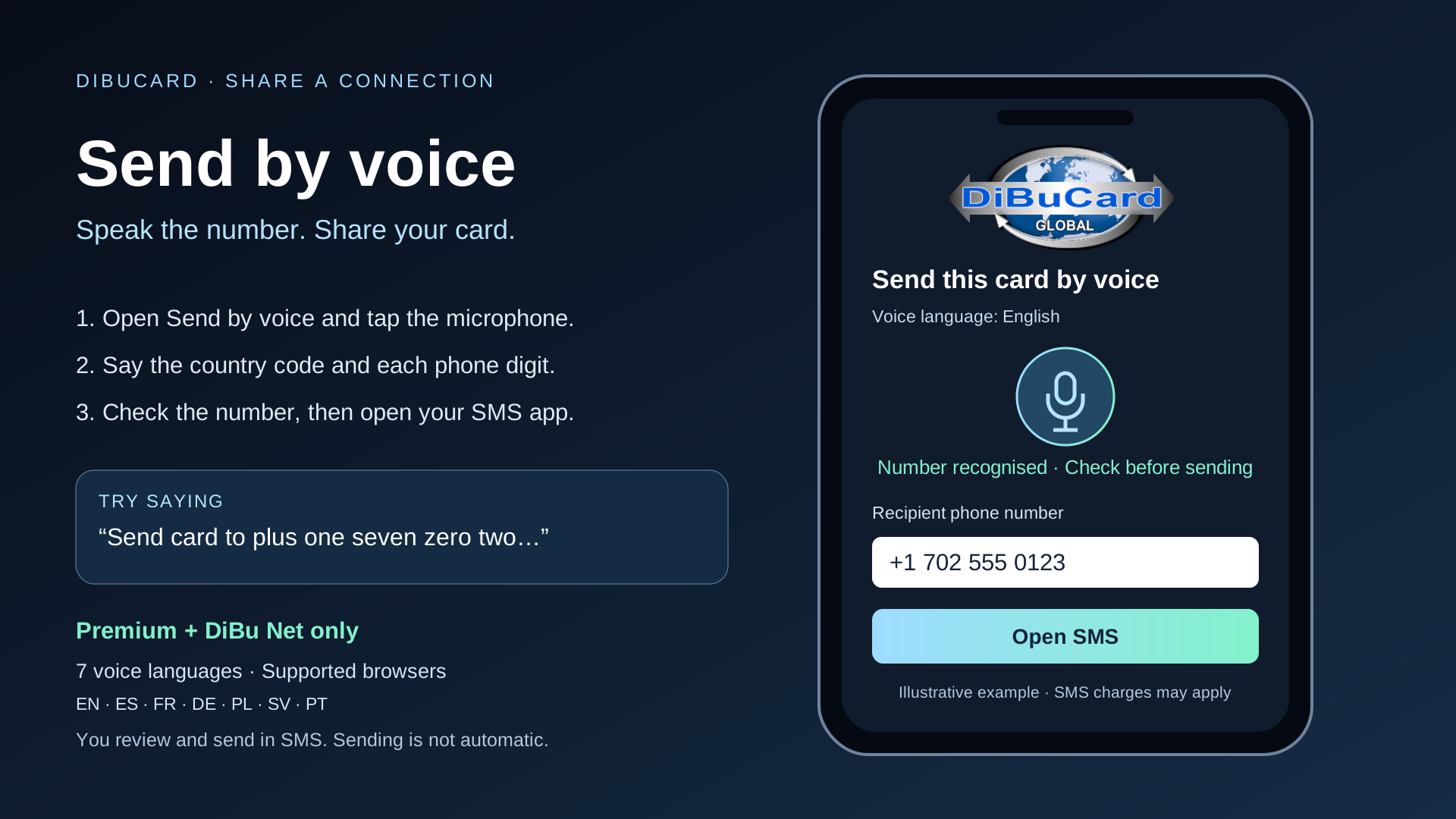
Send by voice makes sharing more convenient on Premium and DiBu Net cards. Choose English, Spanish, French, German, Polish, Swedish or Portuguese. Say the command and phone number, including its country code, one digit at a time.
Check the number, correct it if necessary, and open the prepared SMS. You confirm sending in your phone’s Messages app. Voice recognition requires a supported browser.
Slide 17 — Entertainment — 5 free games
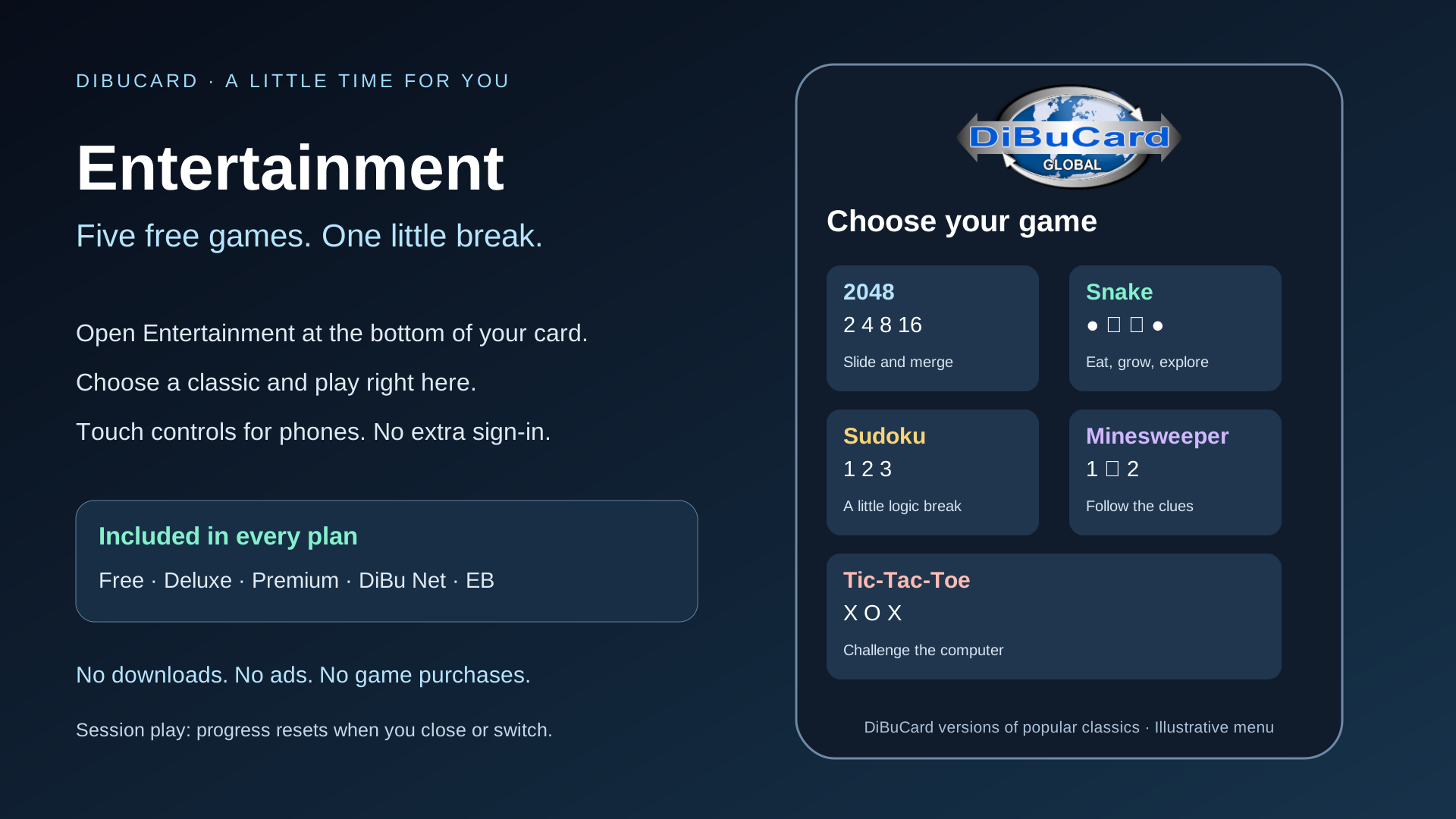
Take a short break with five free classics: 2048, Snake, Sudoku, Minesweeper and Tic-Tac-Toe. Open Entertainment on your card, choose a game and play in your browser.
All plans include the games, with no extra game account, advertising or game purchase. Progress lasts for the current session and resets when you switch games, close Entertainment or leave the page.
Slide 18 — Everyday tools
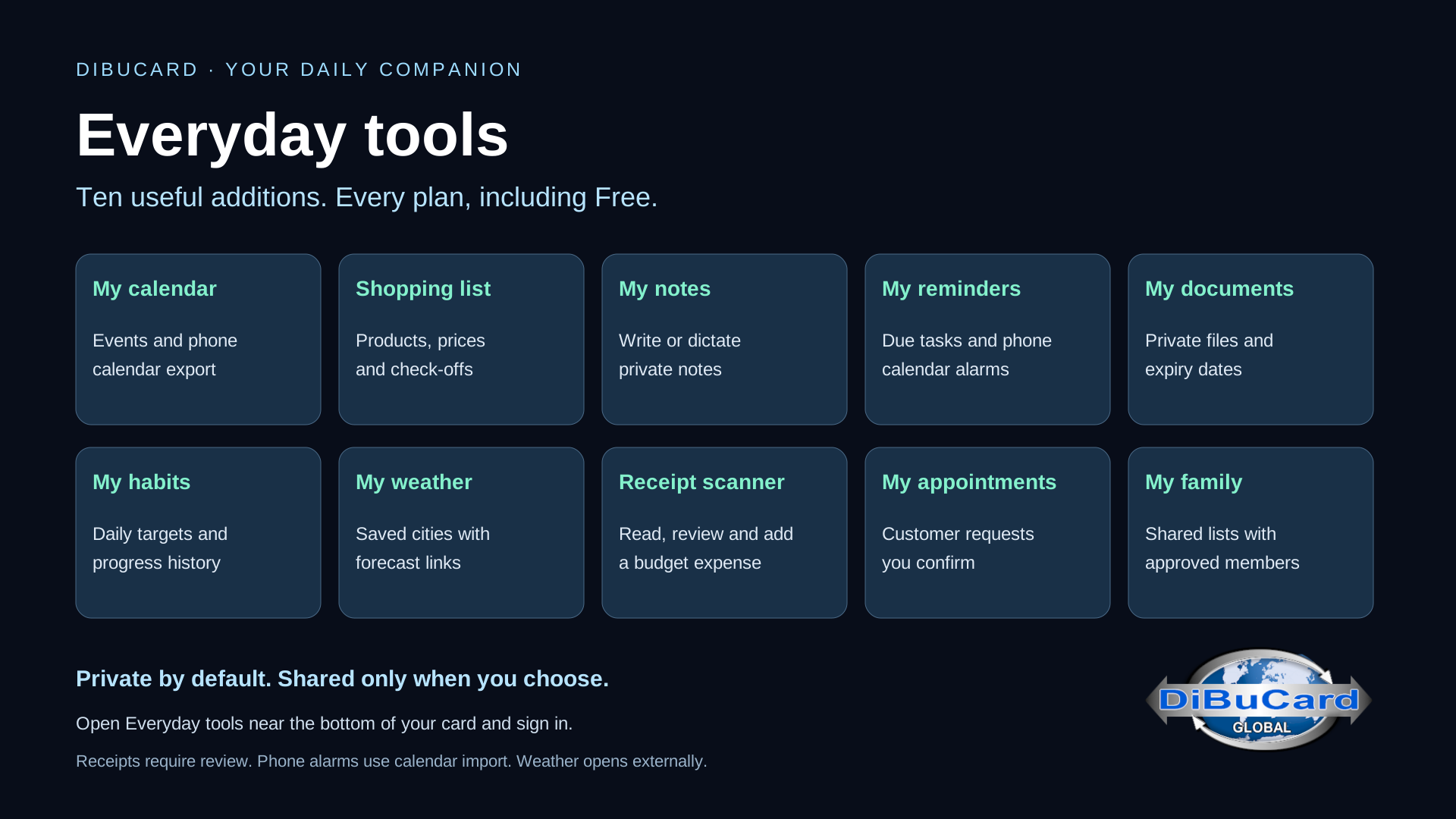
Everyday tools make your card useful beyond an introduction. Every plan includes a private calendar, shopping lists, notes, reminders, document storage and habit tracking. Save a city to open its weather forecast. Read a receipt on your device, review it and add an expense to My budget.
You can also enable appointment requests on a published card and create shared family lists for approved members. Personal records stay private after sign-in. Weather opens externally, and background phone alarms require importing an event into your calendar. Appointment requests need confirmation; no automatic booking email or SMS is sent.
Slide 19 — BlueDotCart — your NFC card
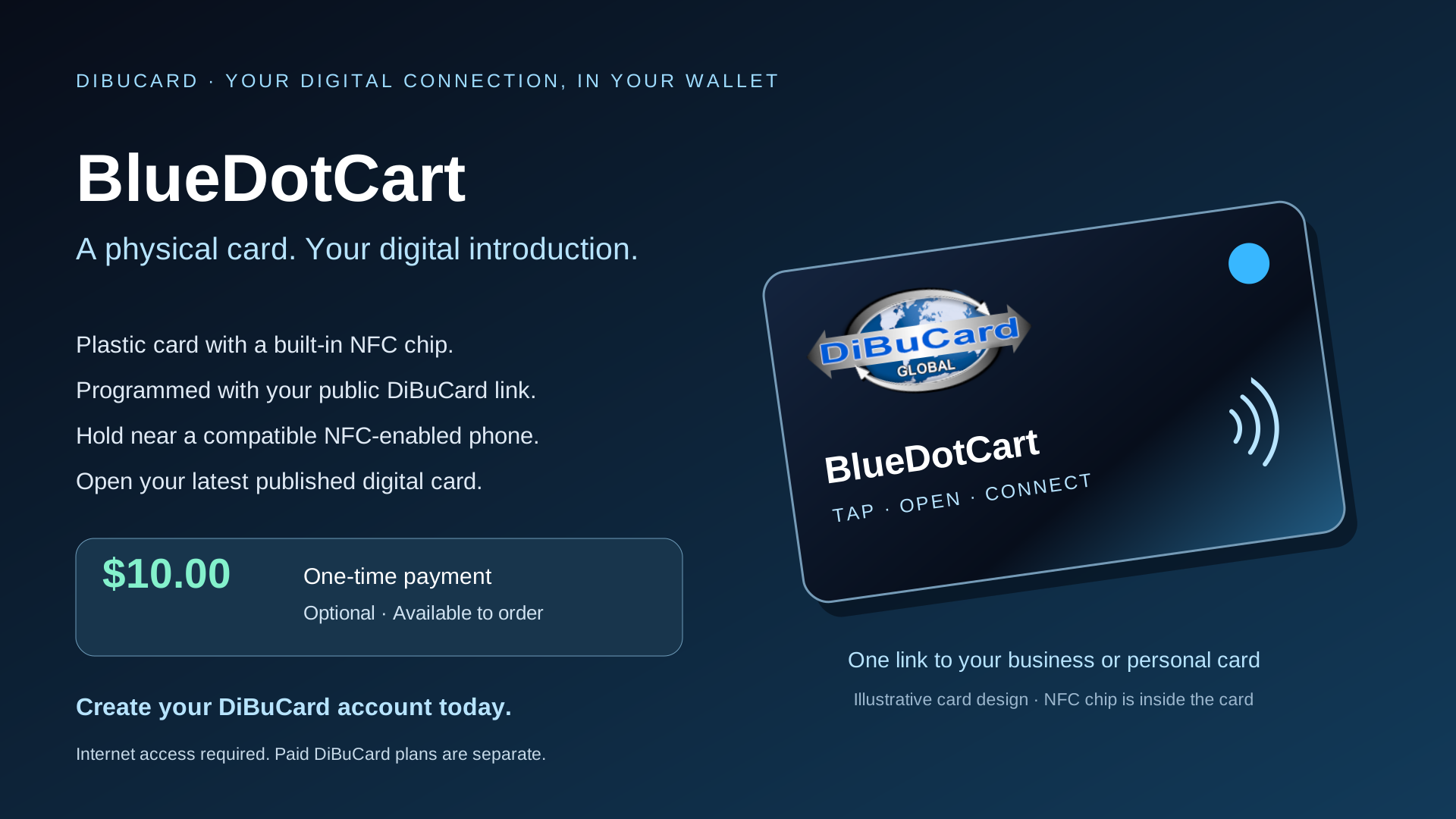
Prefer something you can carry in your wallet? Order an optional BlueDotCart for a one-time payment of $10.00. This plastic card has a built-in NFC chip programmed with the link to your chosen public DiBuCard.
Hold it near a compatible NFC-enabled phone and follow the prompt to open your digital card. An internet connection is needed. The same link opens your latest published updates. The physical card is a separate purchase from any paid DiBuCard plan.
Create your DiBuCard account today. Make your business easier to discover, share your personal story, and keep useful daily tools close at hand.